

Grant a virtual key access
In Agent Gateway, add or edit an agent, find Access, and choose Add key. Select the virtual keys that should call this agent and save.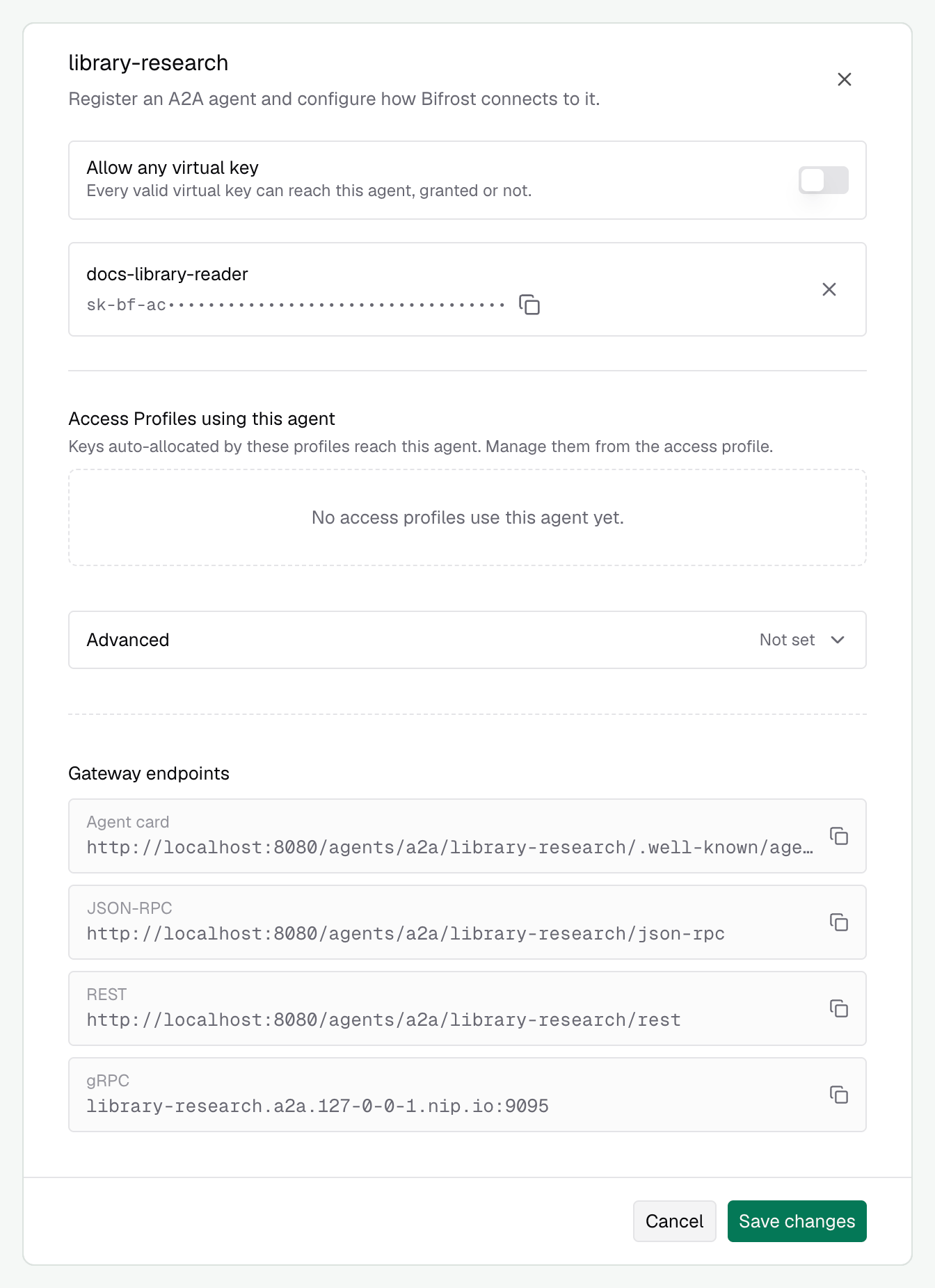
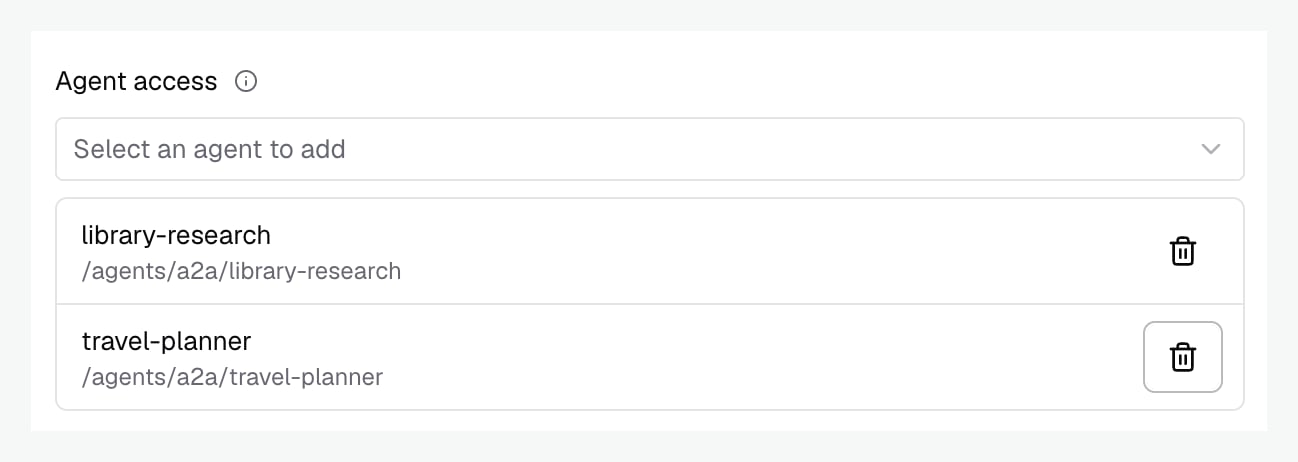
library-research can call that agent’s gateway routes; it does not gain access to every other registered agent.
Allow any virtual key
Enable Allow any virtual key when every valid virtual key should be able to reach the agent without an explicit grant. In Enterprise, authenticated users also receive this default agent access. An admitted project’s access rule still applies.
This setting does not create credentials, activate disabled keys, or authenticate a caller. It also does not replace project membership or a project’s access restrictions.
Declare agent grants through config.json or Helm
Declare agent grants through config.json or Helm
Use virtual key IDs, not their secret values, in an agent’s The keys must already exist. Keep the rest of your agent registration, such as authentication, in the same declaration.
virtual_key_ids.- config.json
- Helm values
allow_by_default: true enables default access while retaining virtual_key_ids.For config.json, a virtual key can alternatively declare agent_grants: [{ "agent_name": "library-research" }] under governance.virtual_keys. In Helm, use the agent’s virtual_key_ids as shown above; the virtual-key values renderer does not currently copy agent_grants.Enterprise access profiles
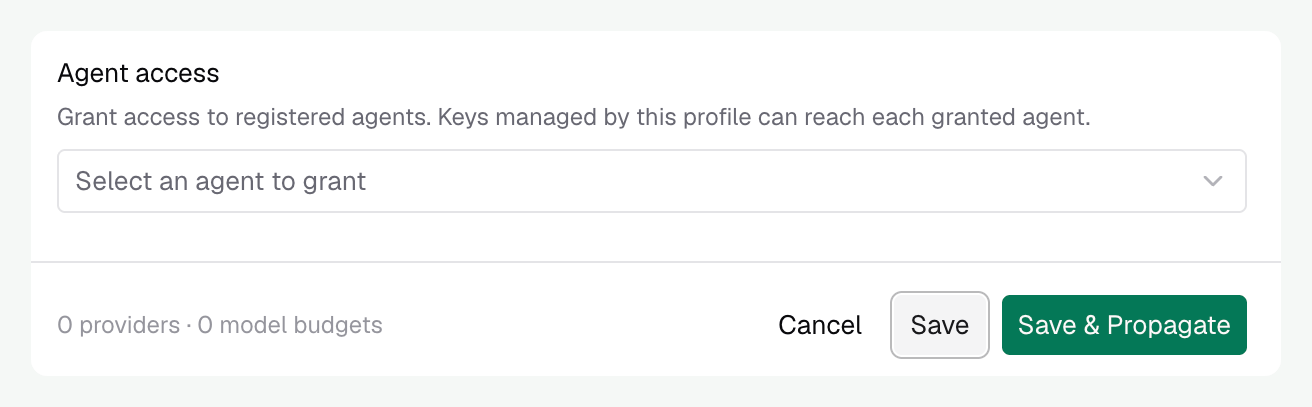
Use an access profile when several users or groups need the same agents.- Edit the profile and add the registration names under Agent access.
- Apply the profile to the intended holders. Profiles can be assigned to users directly, through roles or identity-provider mappings, or attached to teams, business units, and customers.
- When changing an existing profile, propagate Agent access to the assigned copies that should receive the change.
Declare profile agent access
Declare profile agent access
Add agent grants to your existing profile declaration. These examples show the relevant fields; keep the profile’s provider, MCP, and limit configuration alongside them.Assign the profile through the dashboard or your existing provisioning configuration. See access profiles for assignment and propagation.
- config.json
- Helm values
Enterprise projects
A project adds a scope to an individual request. For example, the same engineer can call an agent for a research project without placing every other request in that project. Add the agent to the project’s Agent access, configure membership, and send one project header with the caller’s authentication: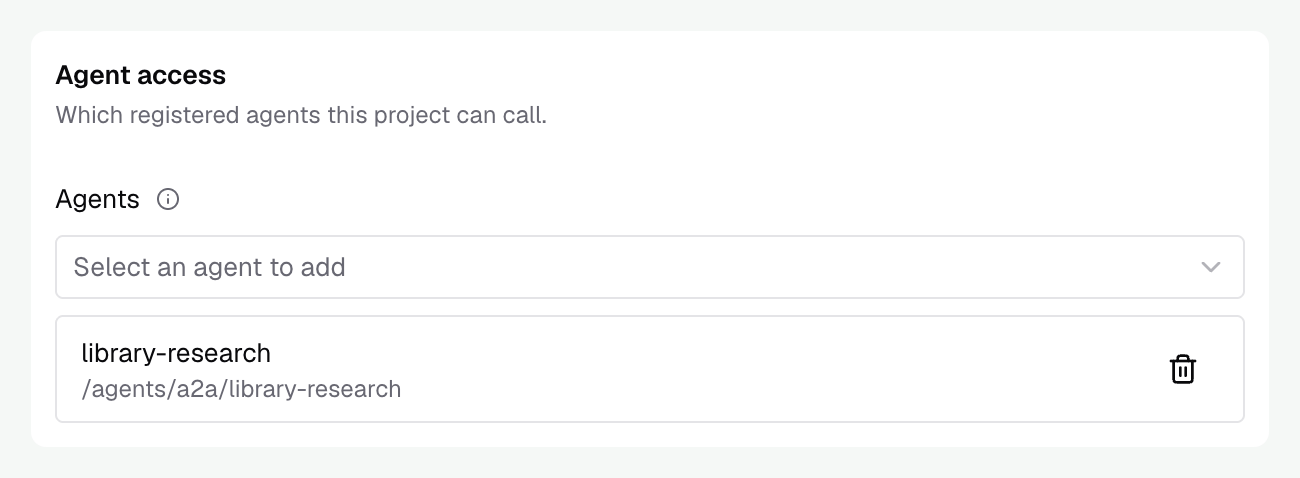
Declare a project's agent access
Declare a project's agent access
Add these grants to an existing project declaration. Membership is managed through the dashboard or API, separately from Keep other project settings and grants in the same declaration. See projects for membership and accounting modes.
config.json.Enterprise supports
agent_grants on projects and access profiles. The current OSS configuration schema does not yet list those two fields, so an editor using that schema may flag them.- config.json
- Helm values
Keep the agent’s later calls attributed
An agent can pass its gateway access check and still have an LLM or MCP request denied. Those requests use their own provider and tool grants. Enable credential forwarding and configure your agent server to reuse the caller’s Bifrost credential. If the work belongs to a project, preserve its project header on those calls too. Otherwise they lose that project scope.Diagnose an access failure
Check these in order:- Is the agent enabled and is the registration name correct?
- Is the client sending a valid, active credential? An explicitly invalid key is refused even if another user identity is available.
- Does the key or its governing profile grant the agent, or does the agent allow default access?
- If a project header is present, is the caller admitted to that project and does its access rule allow the agent? An unadmitted project currently falls back to caller access, as described above.
- If only an LLM or MCP call fails, inspect that call’s provider or tool permissions and the credential your server used.
error field as well as its HTTP status. A denied agent operation returns a protocol error such as -31403, with a message identifying the agent or project that refused access. A successful HTTP exchange alone does not prove the operation succeeded.
Next, read Messages, tasks, and events to send work to your registered agent and follow its progress.